Creating a BaaS backup plan
A backup plan defines the volumes to protect, the backup schedule, the number of restore points, and the backup storage location.
Prerequisites
Before creating a plan, ensure that:
the BaaS service is active and has sufficient local or remote storage quota;
the required volumes are available in the project;
the required execution time has been converted to UTC;
none of the selected volumes belongs to another backup plan.
Important
Backup plan schedules must be configured in UTC. Convert the required local execution time to UTC before saving the schedule.
Create the plan
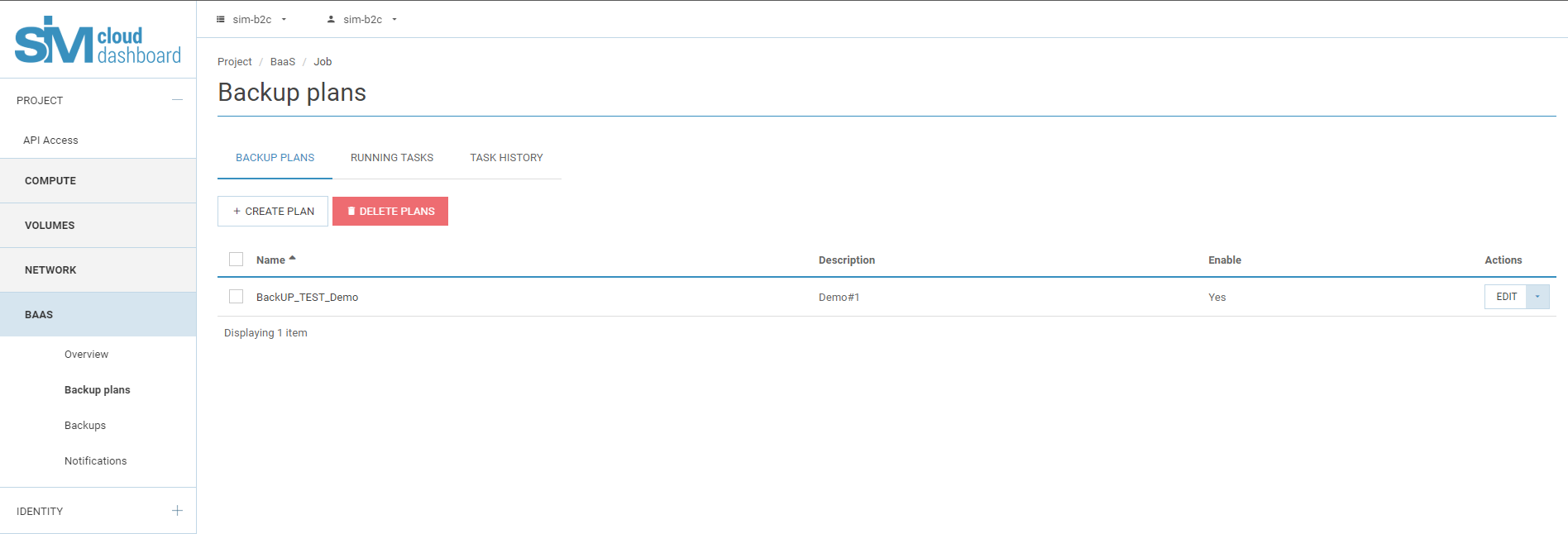
In the SIM-Cloud dashboard, open Backup (BaaS) → Backup plans.
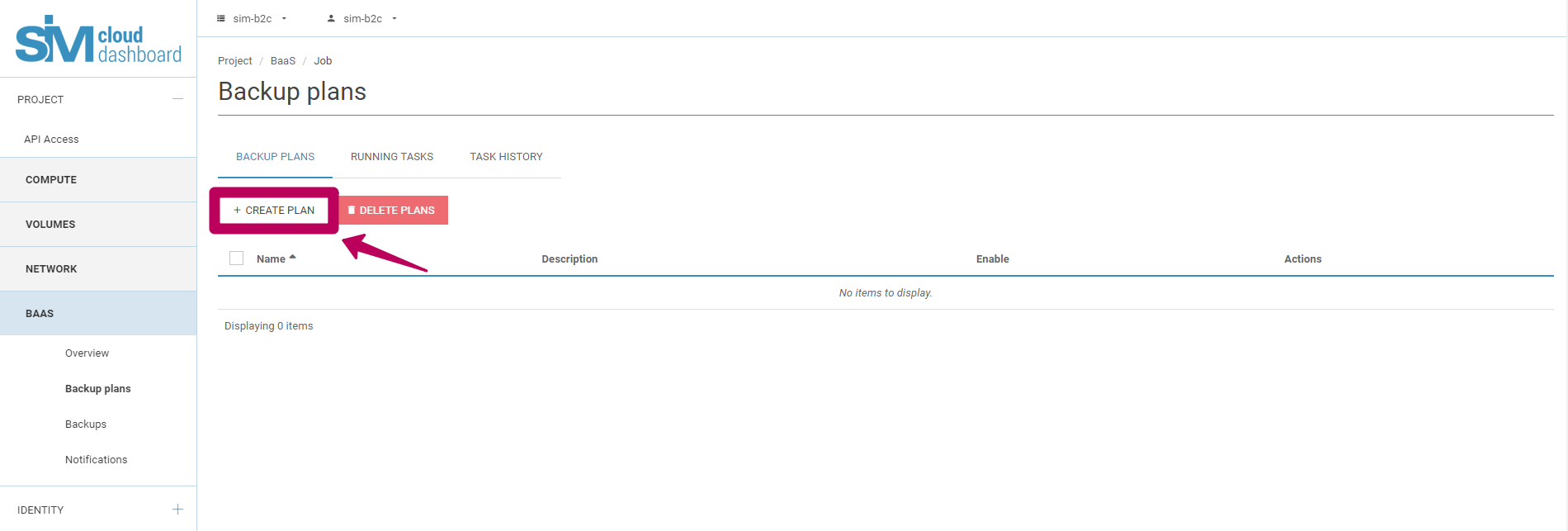
Click Create plan.
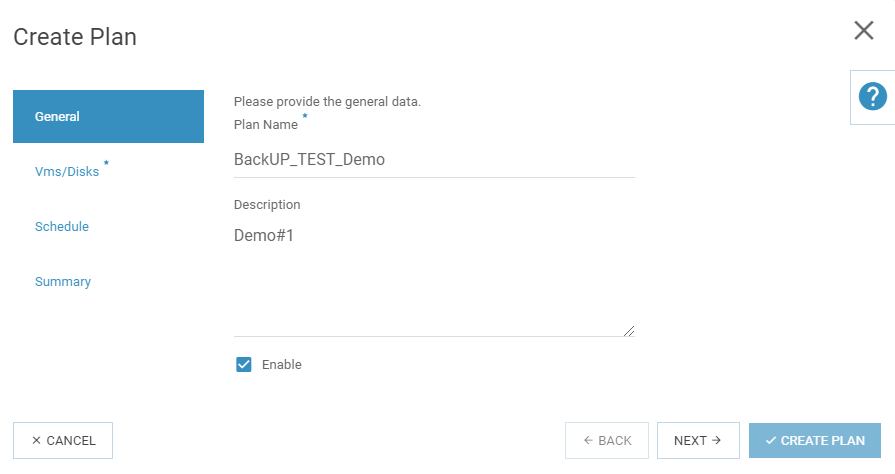
In General, enter a name and, optionally, a description. Enable the plan if it should run according to its schedule.
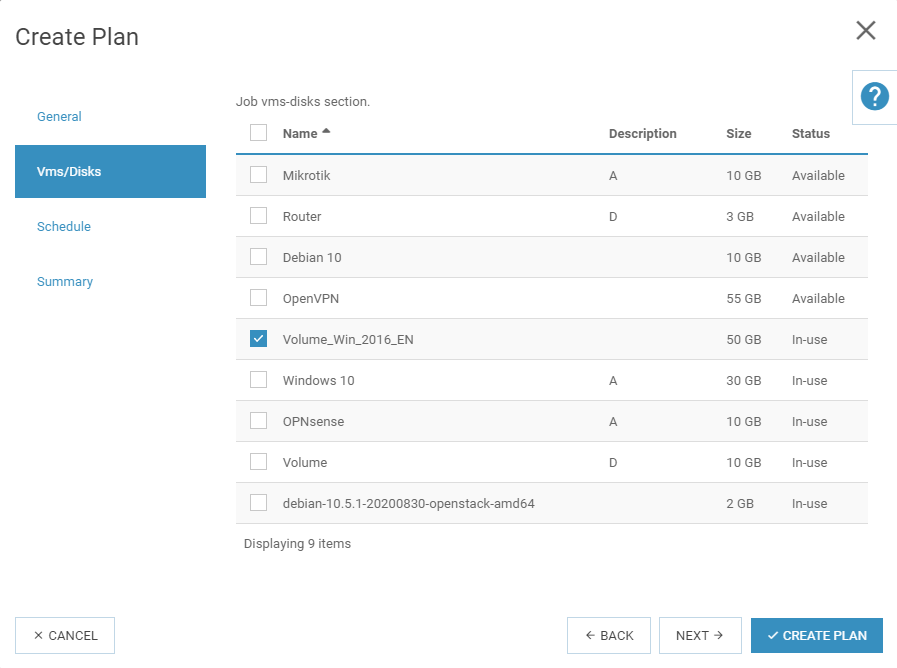
In VMs/Disks, select one or more volumes to protect. A volume that already belongs to another backup plan is not available for selection.
In Scheduler, configure:
the frequency: daily or weekly;
the execution time in UTC;
the number of restore points, from 1 to 30;
the backup storage: Local or Remote.
When the retention limit is reached, a successful new backup replaces the oldest restore point.
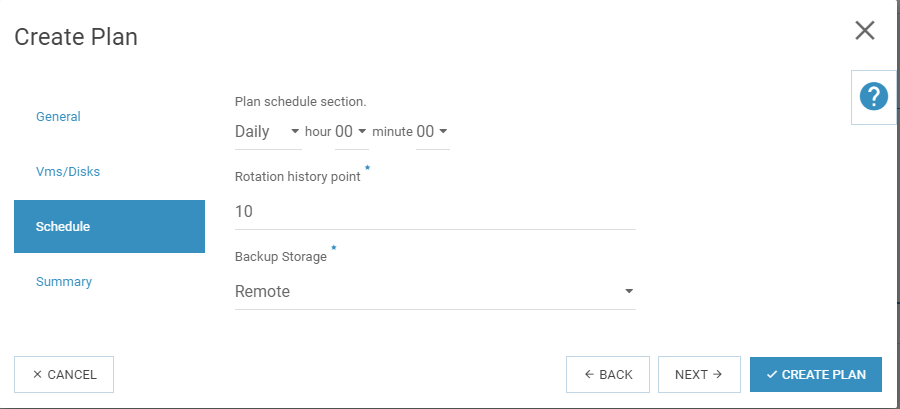
Review the configuration in Summary, and then click Create plan.
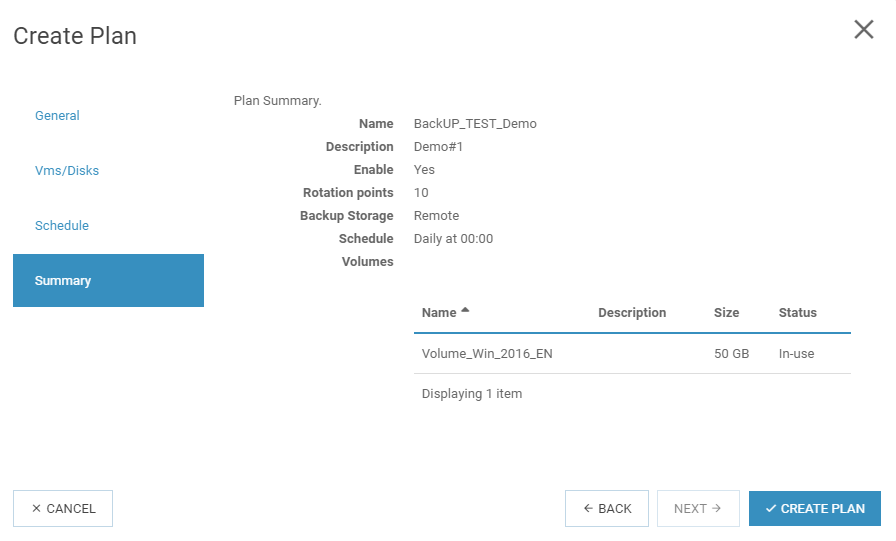
The new plan appears in Backup plans. If it is enabled, it runs at the configured UTC time. You can also run an enabled plan manually.